Features

Everything it does, and why.

Here is the whole app, the way you actually use it.

Out now on the App Store

  • 9 on-device AI helpers
  • 5 focus rhythms, one tap
  • 5 minutes, the smallest dose that counts
  • 0 servers, accounts, or ads
On-device AI Private · works offline

Nine helpers for the stuck moments.

One on-device AI, nine small helpers and a session planner. Each takes a moment where an ADHD brain tends to stall and makes it one tap smaller. Your data stays yours: on your iPhone, synced through your own iCloud. There is no Dopodoro server that could see it.

No Apple-Intelligence iPhone? The same buttons still work — you get simple built-in versions instead of the model.

  • Pick one for me an energy check-in, one task chosen with a reason
  • Break it down shrinks any task into starting-sized steps
  • Brain dump a messy paragraph in, structured tasks out
  • Estimate it a realistic guess at the minutes, before you start
  • Plan my day “90 minutes on the deck, then email” becomes a session plan
  • Reword it tidies a task title until it reads like an action (Plus)
  • Tone check a gentle read on how a message lands (Plus)
  • Weekly review a private recap that notices your wins (Plus)
  • Your best hours finds your strongest focus windows and plans into them (Plus)
  • A gentle coach small nudge cards, one tap to opt out (Plus)
A Pick one for me result: one suggested task, the reason it was chosen, and a Start 5 minutes button
Pick one for me, with the reason.

Download on the App Store

Depth you grow into, never a wall.

A calm, capable timer

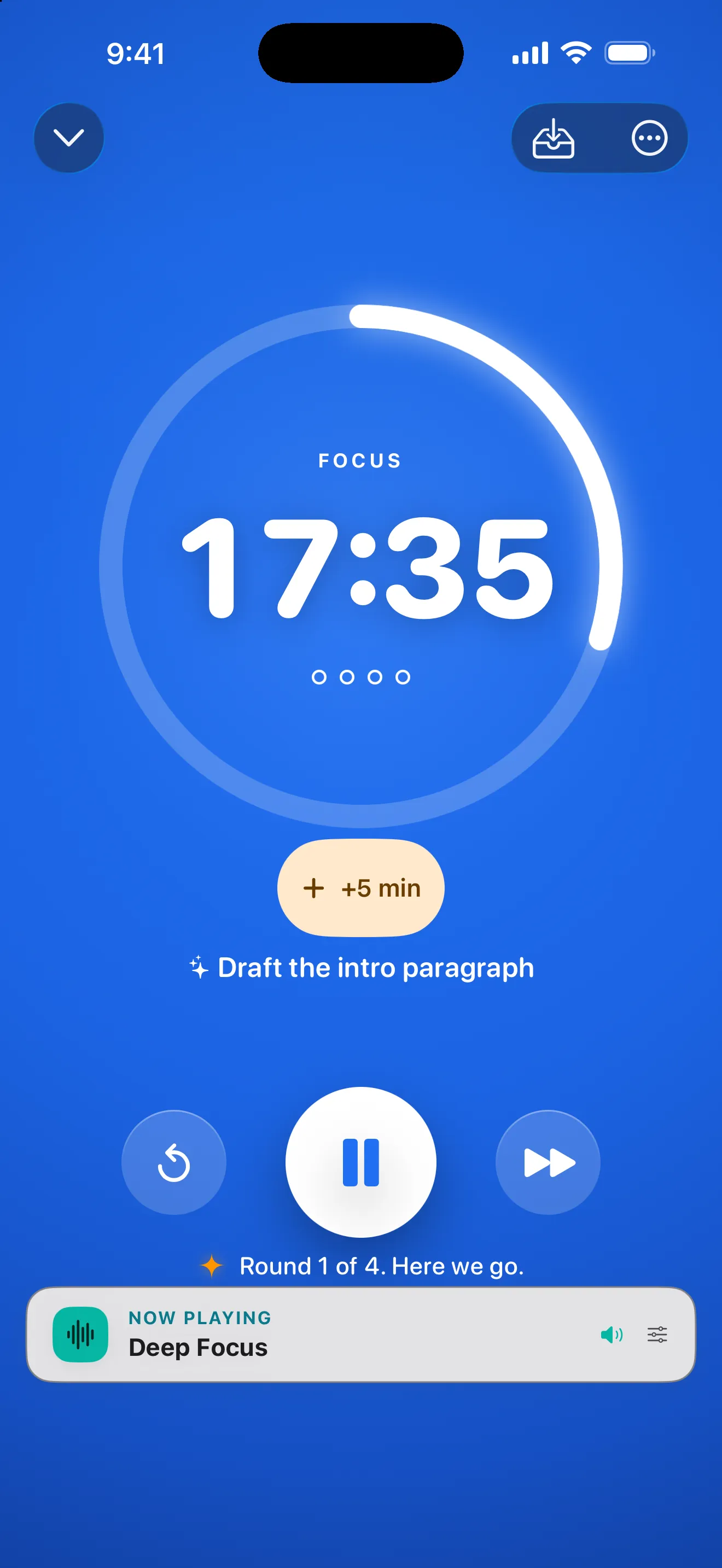
A timer you don't have to babysit. Close the app, restart your phone, forget it exists — it keeps perfect time anyway, and it rings even on Silent.

ClassicLong FocusDeskTimeSprintUltradian
  • Five presets for different kinds of days — from a classic 25/5 to long, slow deep-work cycles.
  • Just 5 minutes to start, +5 to extend without resetting
  • Long-press to skip a phase; nothing punishes a slip

Soundscapes

Built-in soundscapes, no streaming: real rain, ocean, café and fire recordings, brown, pink, and white noise, plus binaural and isochronic tones. Some brains find these help them settle in; try them and keep what works.

  • Mixes quietly under your own music or a podcast
  • Listen without a timer, with a sleep timer and Lock Screen controls
  • Starter set free; the full library and custom generator in Plus
  • A blend builder and favorites for the mix that works for you (Plus)

Tasks & projects

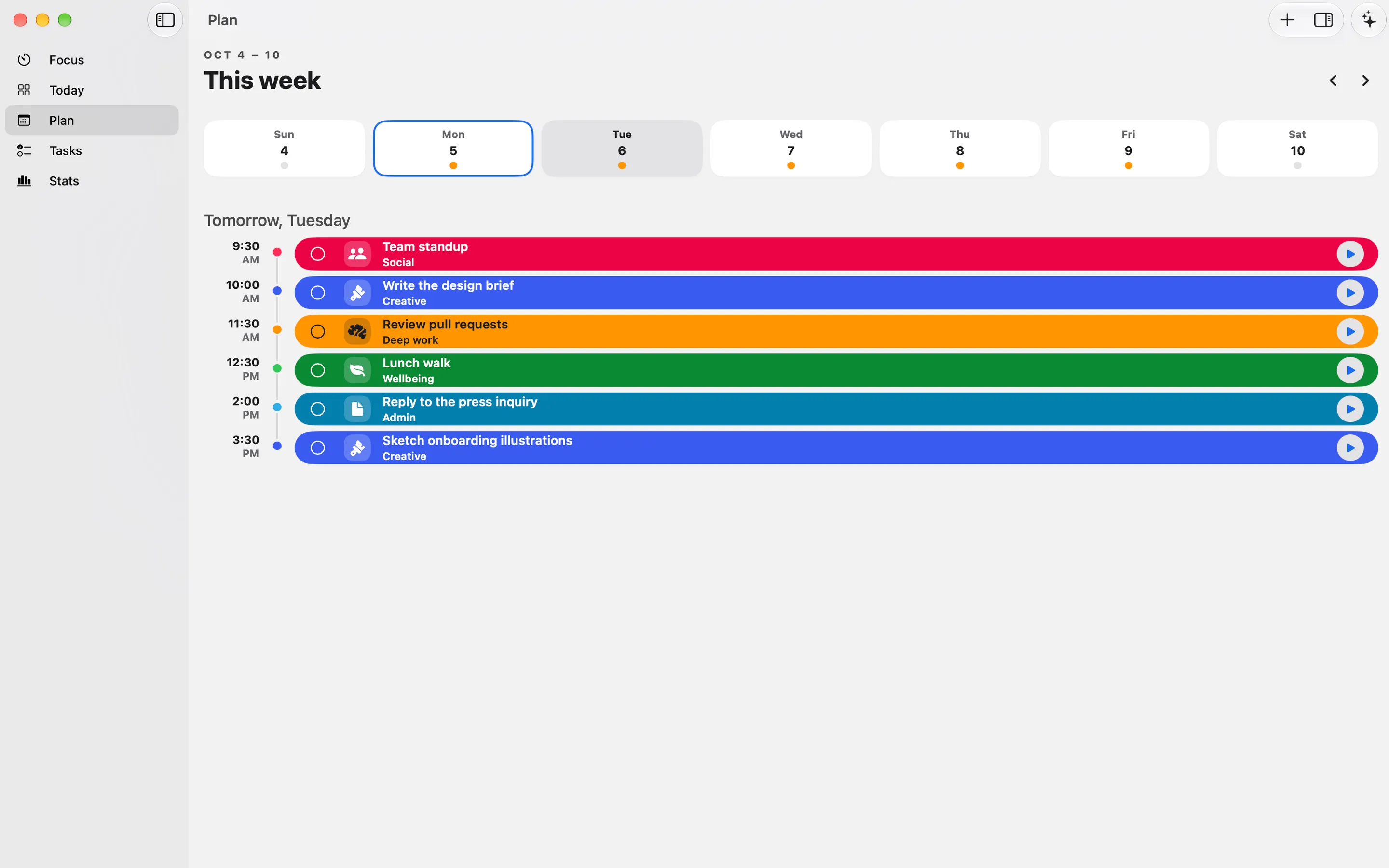
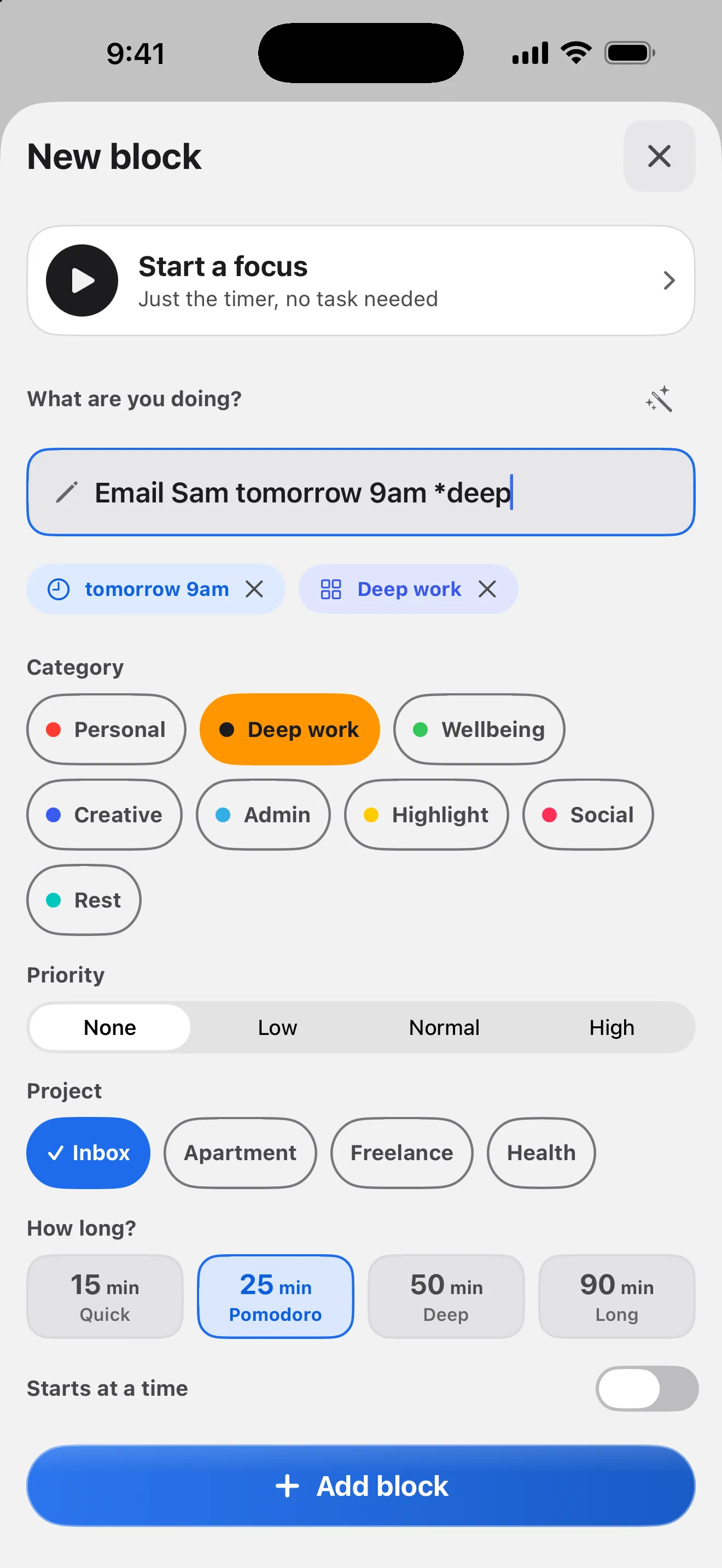
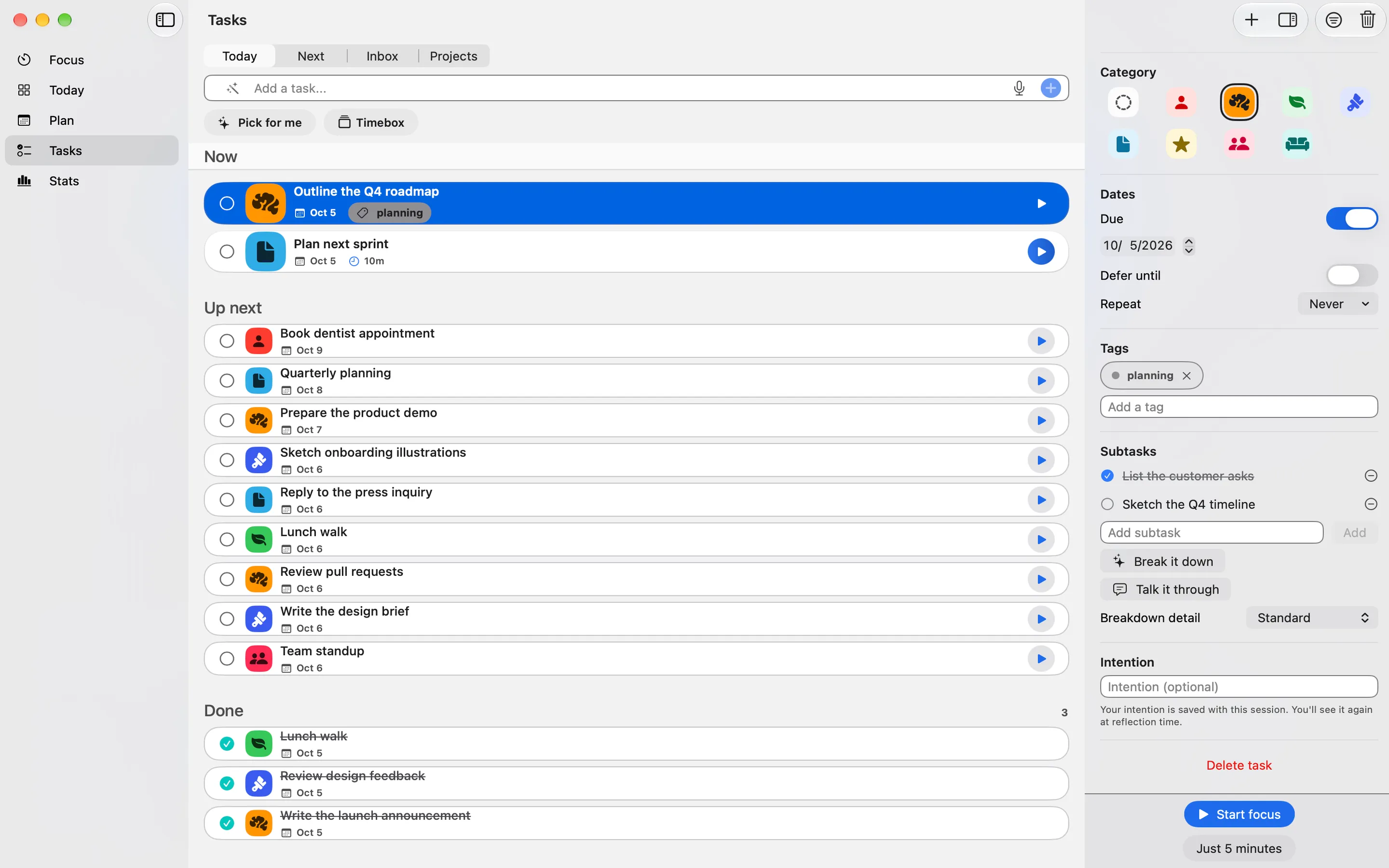
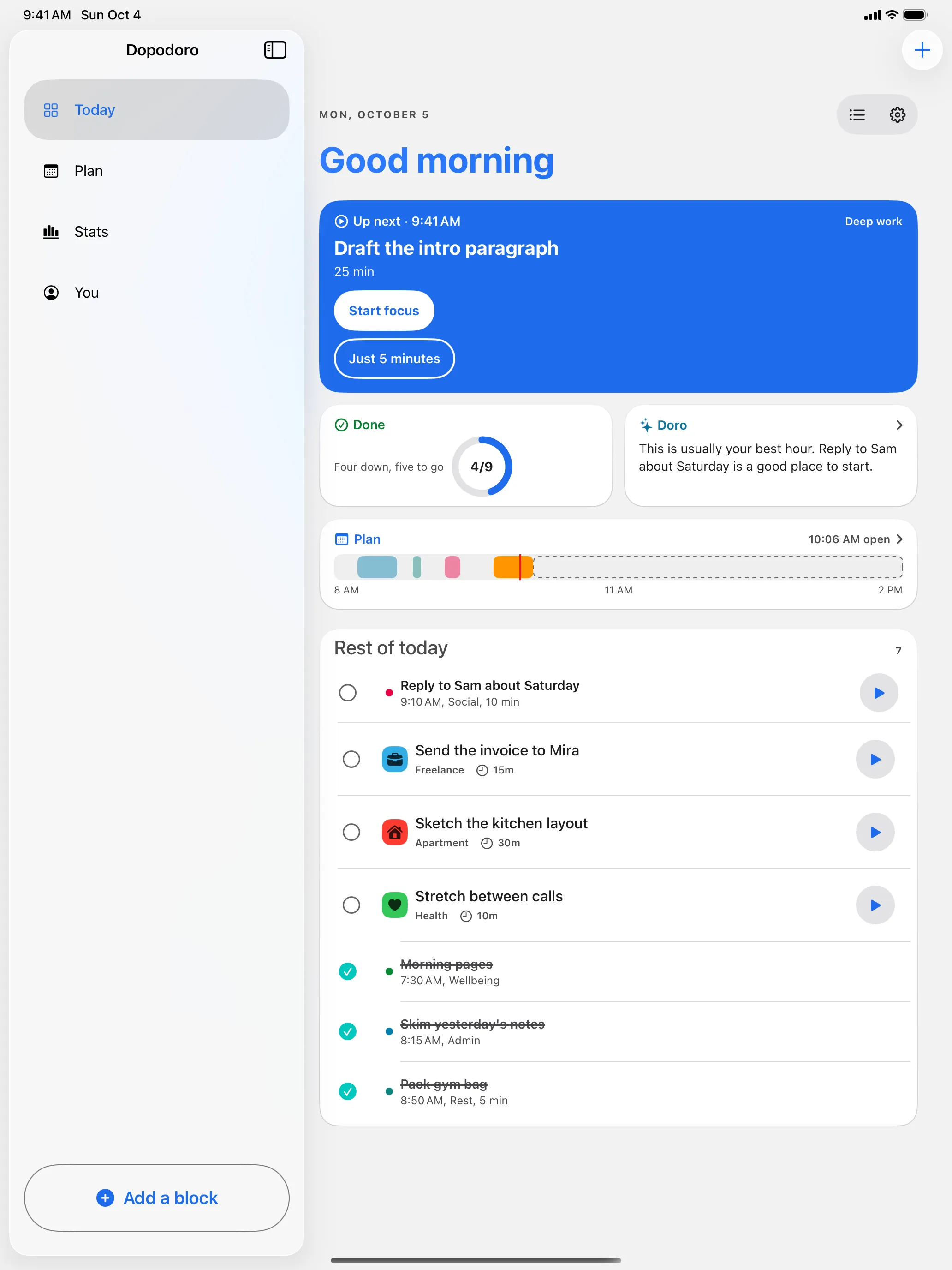
Type 'call the pharmacy tomorrow' and it just becomes a task — or say it out loud. Projects with icons and notes, none of it required to start.

  • Subtasks, priorities, and drag to reorder
  • Trash with undo, so nothing is ever really lost
  • Screen Time app blocking holds the door during a session

Honest stats

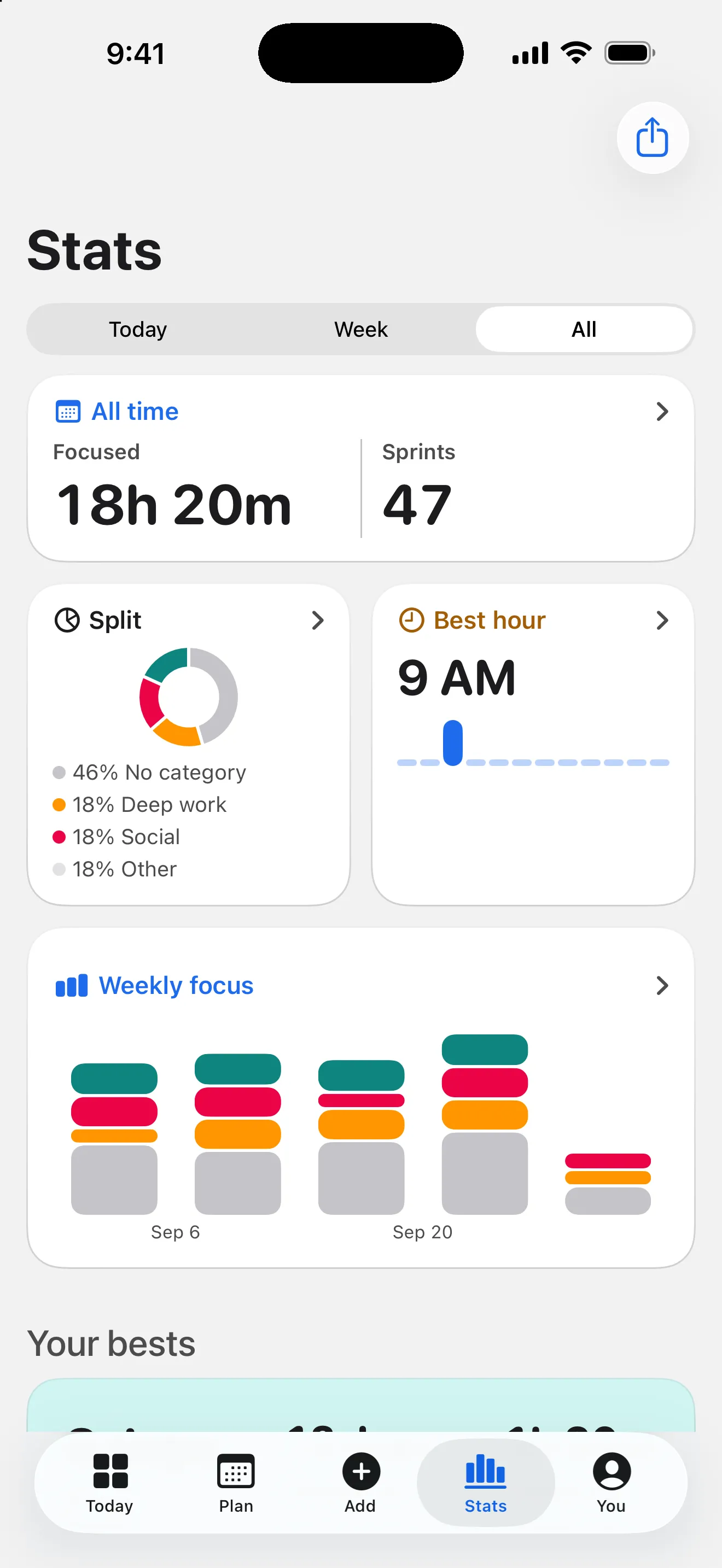
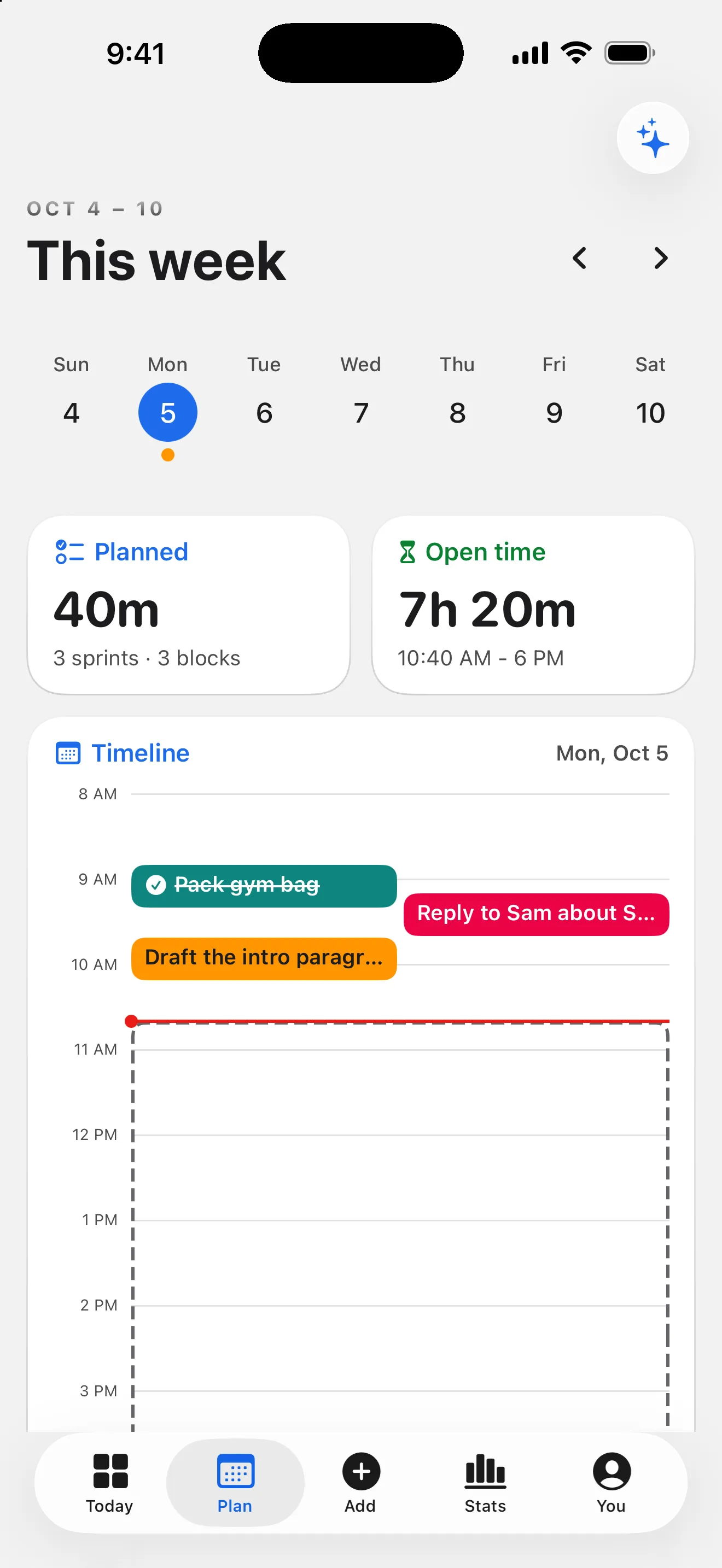
Momentum you can see, never a scoreboard of what you did not do. A daily focus chart and an hour-by-weekday heatmap show when you actually focus best.

  • Gentle streaks with a built-in grace day
  • A private weekly recap, written on-device (Plus)
  • Milestone moments — and export your whole history anytime. It's your data.

Everywhere you already are

The timer lives on every surface you already use, and follows you out of the app.

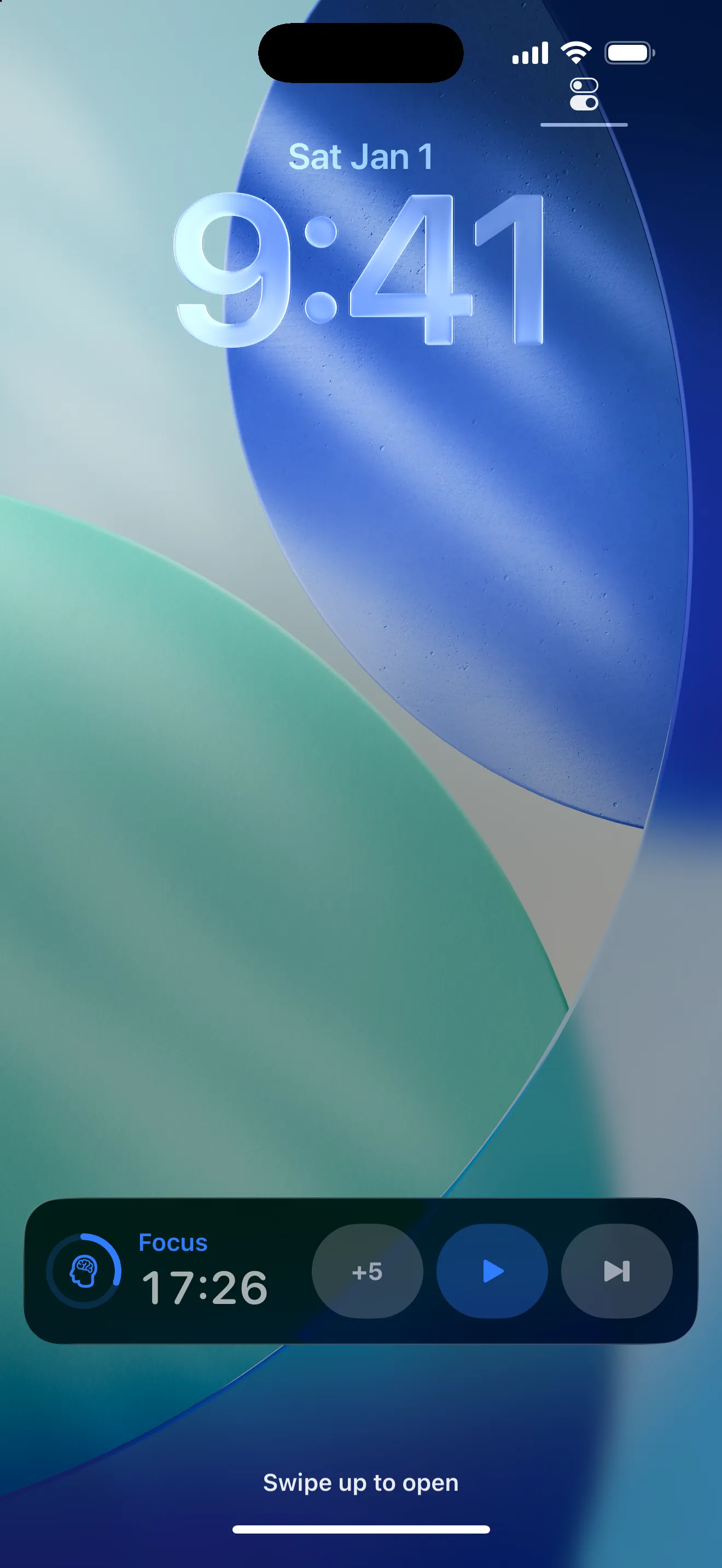
  • Live Activity and Dynamic Island: pause, skip, or +5 from the Lock Screen
  • Three interactive Home Screen widget sizes
  • Start a session from Siri, Shortcuts, or Control Center — the timer answers wherever you already are.
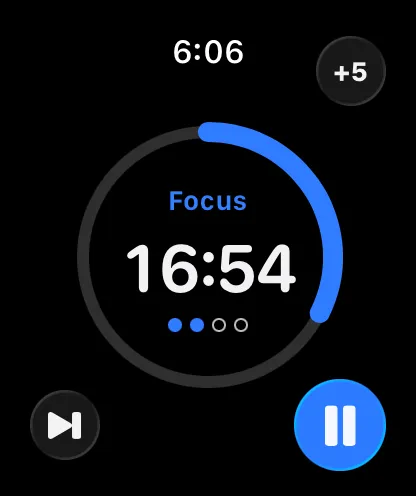
  • On your wrist: a glanceable Apple Watch timer alongside your iPhone — phase, time left, start, pause, skip, +5, and a tap at phase ends
The Lock Screen during a session: the Live Activity shows the focus timer at 11:26 with +5, play, and skip controls
The timer, from the Lock Screen.

Free is the working app. Plus is patronage.

Everything you need to focus is free. Dopodoro+ adds depth and aesthetics for people who want to back a one-person operation.

Free, forever

  • The whole working app: the timer, the four everyday AI helpers, and a generous daily planning allowance
  • Your full focus history, with export — your data is never behind the paywall
  • Five focus presets: Classic, Long Focus, DeskTime, Sprint, Ultradian
  • A starter soundscape set, standalone listening, and the sleep timer
  • Natural-language tasks and unlimited projects, plus Screen Time blocking on or off
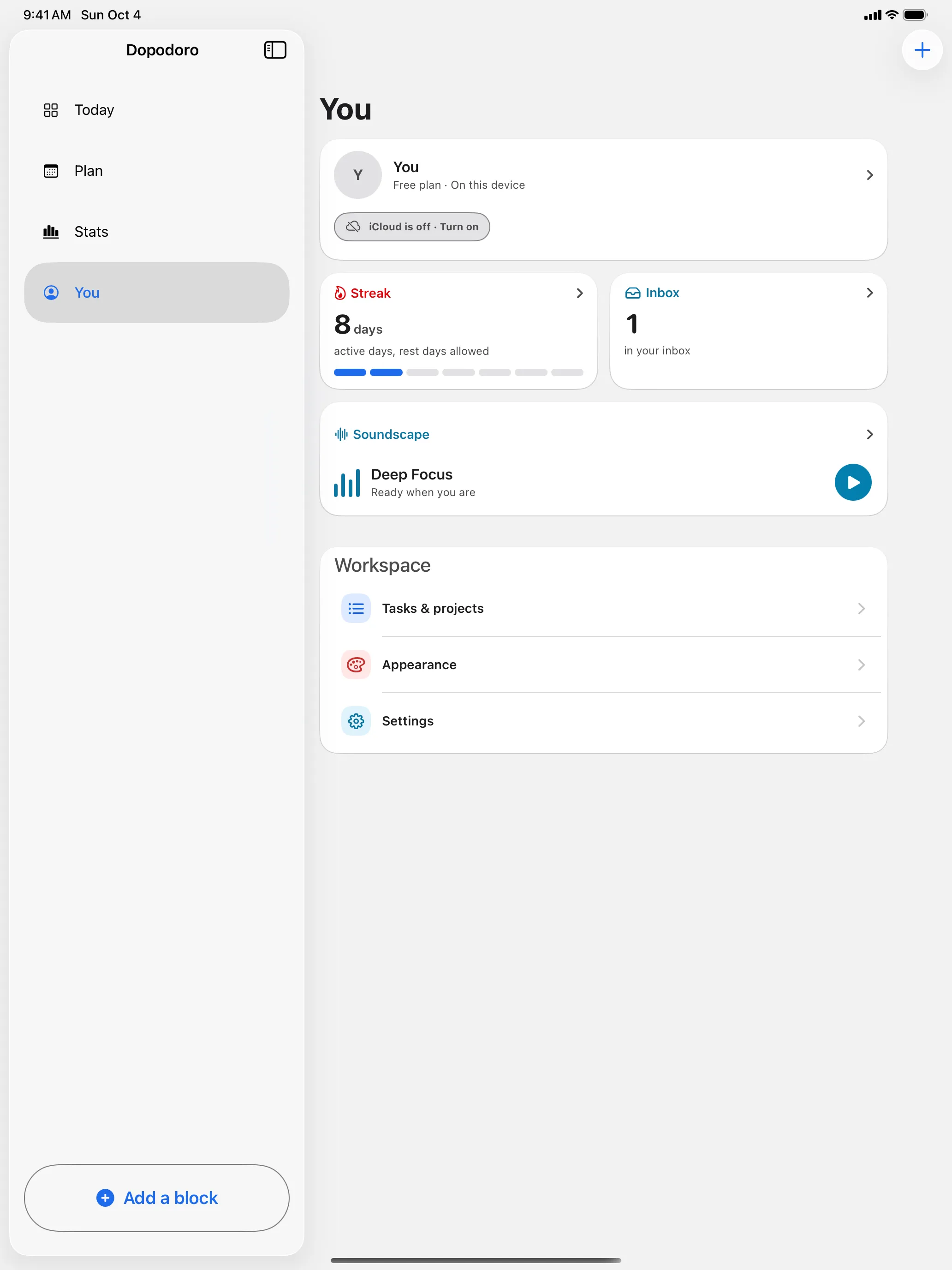
  • The Apple Watch timer, Live Activities, widgets, and private iCloud sync — no account

Out now

It’s on the App Store.

Dopodoro is out. Free is the whole working app — download it and start small.

Download on the App Store

iPhone and Apple Watch, iOS 26.1+. On-device AI needs an Apple-Intelligence-capable iPhone.